Technical guide for startup founders building AI-powered SaaS products.
Your Architecture Will Outlast Your First Investors
Most startup founders spend weeks debating which AI features to build. The founders who come back two years later with a $300K re-architecture bill spent almost no time on how those features would be structured.
This isn't a rare edge case. According to Statista, global spending on AI systems is projected to exceed $300 billion by 2026 yet a significant portion of that investment is lost to failed implementations, rework, and poor system design decisions made early in development.
Here is the hard truth: the database schema you choose this week, the decision to separate or couple your AI layer, the multi-tenancy pattern you default to these aren't technical footnotes. They are the walls and foundation of your product. Changing them later is not a refactor. It is reconstruction, while the building is occupied.
TechEniac has re-architected AI SaaS products for four clients who came to us after outgrowing a foundation that was never designed for AI workloads. In two of those cases, the original codebase had to be largely discarded. Combined, those projects cost $40,000–$80,000 in refactoring time and delayed new features by in months.
This guide is the architecture briefing those teams wish they had received in week one.
What Is AI SaaS Architecture?
AI SaaS architecture is the structural design of a software system where artificial intelligence is a core component, not an add-on. It defines how your frontend, backend, AI models, and data systems interact to deliver intelligent, scalable, and reliable user experiences.
Unlike traditional SaaS, AI SaaS architecture must handle variable latency, probabilistic outputs, and data-driven decision-making making system design significantly more complex from day one.
Why AI SaaS Architecture Is Different from Traditional SaaS?
Traditional SaaS and AI SaaS look similar on a product roadmap. They are fundamentally different at the infrastructure level.
A standard database query takes 5–50ms. An LLM inference call takes 2–15 seconds roughly 100x longer. AI responses vary wildly in size and compute cost. Vector databases have completely different performance profiles from relational databases. And AI inference is priced per token, not per server hour, which means your cost structure scales with usage in ways your infrastructure costs do not.
These differences demand a layered architecture specifically designed for AI workloads not a traditional SaaS monolith with an API call bolted on.
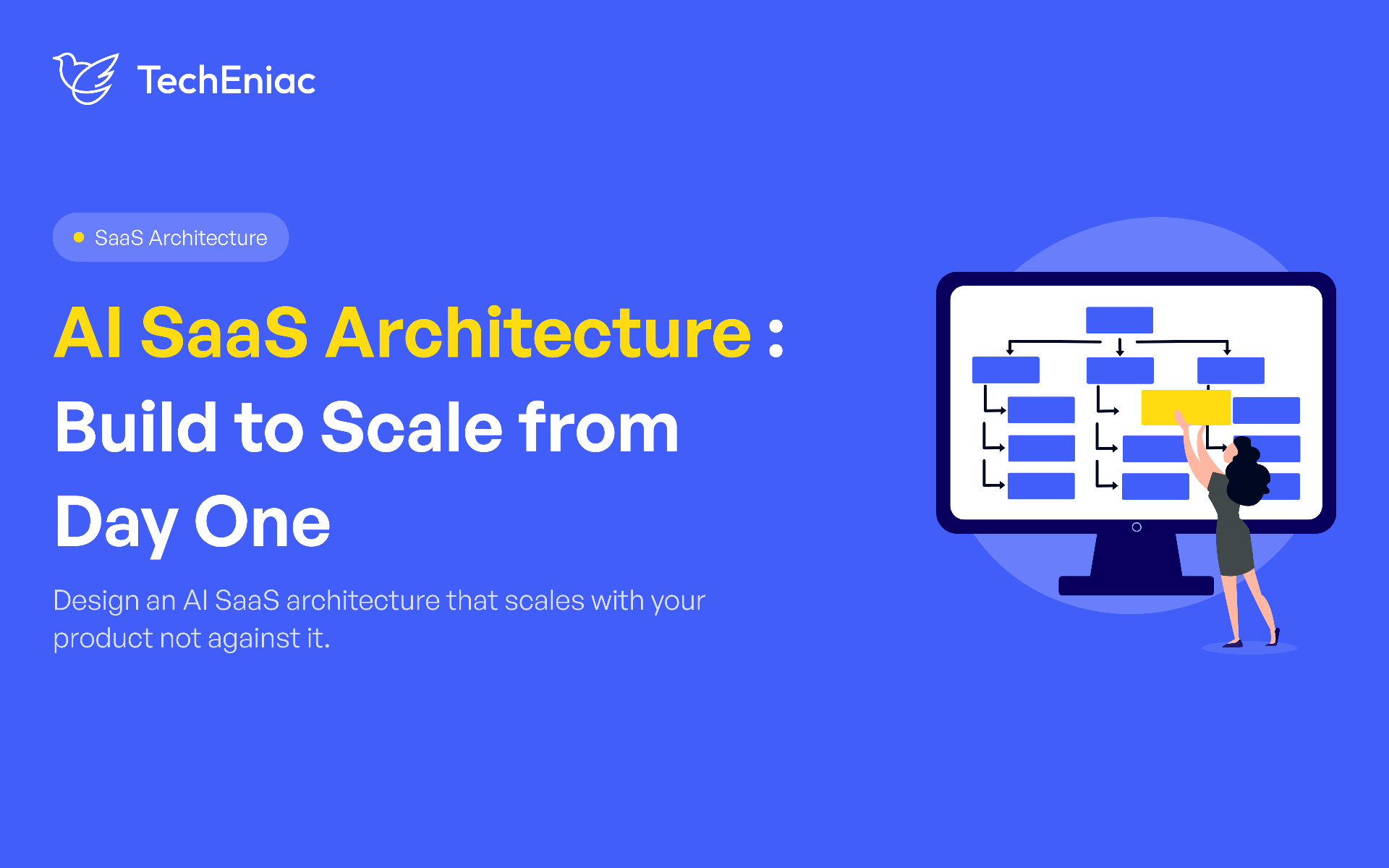
Core Components of a Scalable AI SaaS Architecture
TechEniac designs AI SaaS products with four distinct layers, each independently scalable and replaceable. This is not theoretical it is the exact architecture running in production across SolidHealth AI, Linkfluencer, PatientFlow AI, and WorkflowAI.
Layer 1: Presentation Layer (Frontend)
React with Next.js and TypeScript handles the user interface. For AI products, the frontend must solve three challenges traditional SaaS does not face: streaming responses (AI generates text token-by-token over 2–15 seconds, requiring Server-Sent Events or WebSockets rather than waiting for a complete response), loading state management (users need visual feedback during processing windows to know the app hasn't frozen), and error recovery (AI APIs fail more frequently than database calls due to rate limiting, timeouts, and content filtering).
SolidHealth AI streams medical AI responses token-by-token with under 100ms latency via bidirectional WebSocket connections, rendering text and text-to-speech audio simultaneously.
Layer 2: Application Layer (Backend API)
The application layer handles authentication, authorisation, business logic, and data persistence. TechEniac uses Node.js with Express for most application logic due to its async I/O performance. For AI-heavy services, Python with FastAPI is the choice Python owns the strongest AI/ML library ecosystem (LangChain, LangGraph, scikit-learn, pandas).
The critical decision here is multi-tenancy. TechEniac defaults to PostgreSQL with row-level security policies, providing tenant isolation at the database level without the operational overhead of separate databases per tenant. TalentSync AI uses this approach to isolate candidate data across 50+ company workspaces with zero cross-tenant data leakage.
Layer 3: AI Service Layer
This is what separates AI SaaS architecture from everything else. The AI service layer runs independently from the application layer, communicating via internal APIs or message queues. This separation is essential AI workloads are compute-intensive, latency-variable, and billed per request, not per infrastructure unit.
The AI service layer contains:
LLM orchestration logic: LangChain/LangGraph pipelines connecting models, tools, and memory
Prompt management and version control: tracking which prompt versions produced which outputs
RAG pipeline: document ingestion, chunking, embedding, retrieval, and generation
Agent orchestration: coordinating multi-agent systems with stateful handoffs
Output validation and safety guardrails: enforcing format, content, and compliance constraints
AI cost monitoring and budget controls: per-tenant and per-query spending limits
SolidHealth AI's AI service layer runs five LangGraph agents in a stateful pipeline with a self-attention feedback loop. PatientFlow AI's layer runs four specialised agents handling bed management, surgical coordination, discharge facilitation, and capacity forecasting.
Layer 4: Data Layer
AI SaaS products typically require three storage types: PostgreSQL for structured application data, user accounts, and tenant configuration; a vector database (Qdrant, Pinecone, or Vertex AI) for embedding storage and semantic search; and Redis for session management, AI response caching, and rate limiting.
MortgageLens AI uses PostgreSQL for metadata and document versioning, Qdrant Cloud with hybrid BM25+vector retrieval, and Redis for query result caching reducing repeat query costs by 60%.
How to Design Multi-Tenancy for AI SaaS
Multi-tenancy in AI SaaS has a complication traditional SaaS does not: vector database isolation. When multiple tenants share an AI product, each tenant's proprietary data must be completely isolated in the vector store. A financial services company's compliance documents must never appear in another company's AI responses.
TechEniac implements three patterns depending on security requirements. Collection-per-tenant in Qdrant provides the strongest isolation each tenant has a separate vector collection. EduAssist AI uses this: every university course has its own isolated Qdrant collection, preventing cross-course data contamination. Metadata-filtered tenancy uses a shared collection with tenant ID metadata on every chunk, filtering results at query time more cost-efficient but requiring careful implementation to prevent filter bypass. ComplianceGuard AI uses jurisdiction-partitioned collections, with client-specific filtering applied at the agent level.
How to Handle AI Costs in Your Architecture
AI inference costs are the most unpredictable line item in AI SaaS. A single GPT-4o query costs $0.01–$0.10 depending on token length. At 10,000 queries per day, that is $100–$1,000 per day in AI costs alone potentially 5–10x your infrastructure bill.
TechEniac architects three cost controls into every product. First, model routing: using expensive models (GPT-4o) for complex queries and cheaper models (GPT-4o-mini, Llama) for simple ones. SolidHealth AI routes between Gemini and Llama based on query complexity, saving 40% on inference costs. Second, response caching: identical or near-identical queries return cached responses instead of making new API calls. MortgageLens AI caches guideline query responses, reducing repeat costs by 60%. Third, token budgeting: per-tenant and per-query token limits that prevent runaway costs from unexpectedly long inputs or recursive agent loops.
Common AI SaaS Architecture Mistakes to Avoid
Based on re-architecting four AI SaaS products built by other teams, these are the warning signs we see repeatedly and the consequences if they're not caught early.
The AI layer is coupled to the application layer. What it looks like: LLM calls live inside your Express routes or Django views. Prompt logic is scattered across controllers. What it costs you: You cannot swap LLM providers without a full code audit. You cannot scale AI independently from your API. When OpenAI has an outage, your entire application is down.
You chose a monolith because "we'll refactor later." What it looks like: Everything API, AI inference, data processing runs in a single process. What it costs you: Heavy AI processing blocks your entire application. A single long-running inference call degrades response time for every other user.
You have no cost architecture for AI inference. What it looks like: Every query hits GPT-4o. No caching. No token limits. No budget alerts. What it costs you: Monthly AI bills that exceed your infrastructure costs by 5–10x. A single runaway agent loop can generate thousands of dollars in charges before anyone notices.
Your vector database has no tenant isolation. What it looks like: All tenants share one unfiltered vector collection. Tenant filtering is handled in application code, not enforced at the data layer. What it costs you: One misconfigured query exposes a tenant's proprietary data to another tenant. In a regulated industry, that is a breach not a bug.
The Production Tech Stack Behind This Architecture
The exact stack TechEniac runs in production across the four-layer architecture above.
Next.js · React · TypeScript · Tailwind CSS · WebSockets / Server-Sent Events
Node.js + Express · Python + FastAPI · PostgreSQL (row-level security) · NestJS · GraphQL
LangChain · LangGraph · LlamaIndex · OpenAI GPT-4o · Claude · Gemini · Llama · Mistral
PostgreSQL · Qdrant / Pinecone / Vertex AI · Redis · MongoDB · Firestore
Conclusion: Architecture Is a Decision You Make Once
Most startup founders treat system design as something to figure out after product-market fit. The evidence from production and from the re-architecture projects TechEniac has inherited points the other way. By the time you have 10,000 users, your architecture is load-bearing. You cannot redesign it without stopping the building.
The four-layer approach covered in this guide a streaming-ready presentation layer, a multi-tenant application layer, an independently deployable AI service layer, and a properly isolated data layer is not over-engineering for an MVP. It is the minimum structure that lets an AI SaaS product scale without self-destructing.
Following AI SaaS architecture best practices from day one means you spend your second year shipping features, not paying for the mistakes of your first.
If you are evaluating whether to build in-house or work with an AI SaaS development company that has already solved these problems in production, the next blog in this series covers exactly that: how to evaluate technical partners, what questions to ask, and what a well-run outsourced AI SaaS engagement actually looks like.
Up next → How to Build an AI SaaS Product in 2026 A Founder's Guide
Frequently Asked Questions
Should I use microservices or a monolith for an AI SaaS MVP?
Start with a modular monolith for the application layer, but separate the AI service layer from day one. The AI layer has fundamentally different scaling characteristics and must be independently deployable. You can decompose the application monolith later when complexity demands it.
Which vector database should I use?
Qdrant for self-hosted or hybrid deployments with strong filtering capabilities. Pinecone for fully managed simplicity. Google Vertex AI RAG for products already on GCP. TechEniac has production experience with all three and selects based on each project's specific requirements.
How do I handle multi-tenancy in a RAG-based product?
Use collection-per-tenant for maximum isolation, or metadata-filtered tenancy for cost efficiency. Never share a single unfiltered vector collection across tenants one misconfigured query could expose another tenant's proprietary data.
And if you want a direct technical opinion on your current architecture before you read another word TechEniac's free architecture review is the fastest way to find out whether your foundation will hold.