Quick Summary
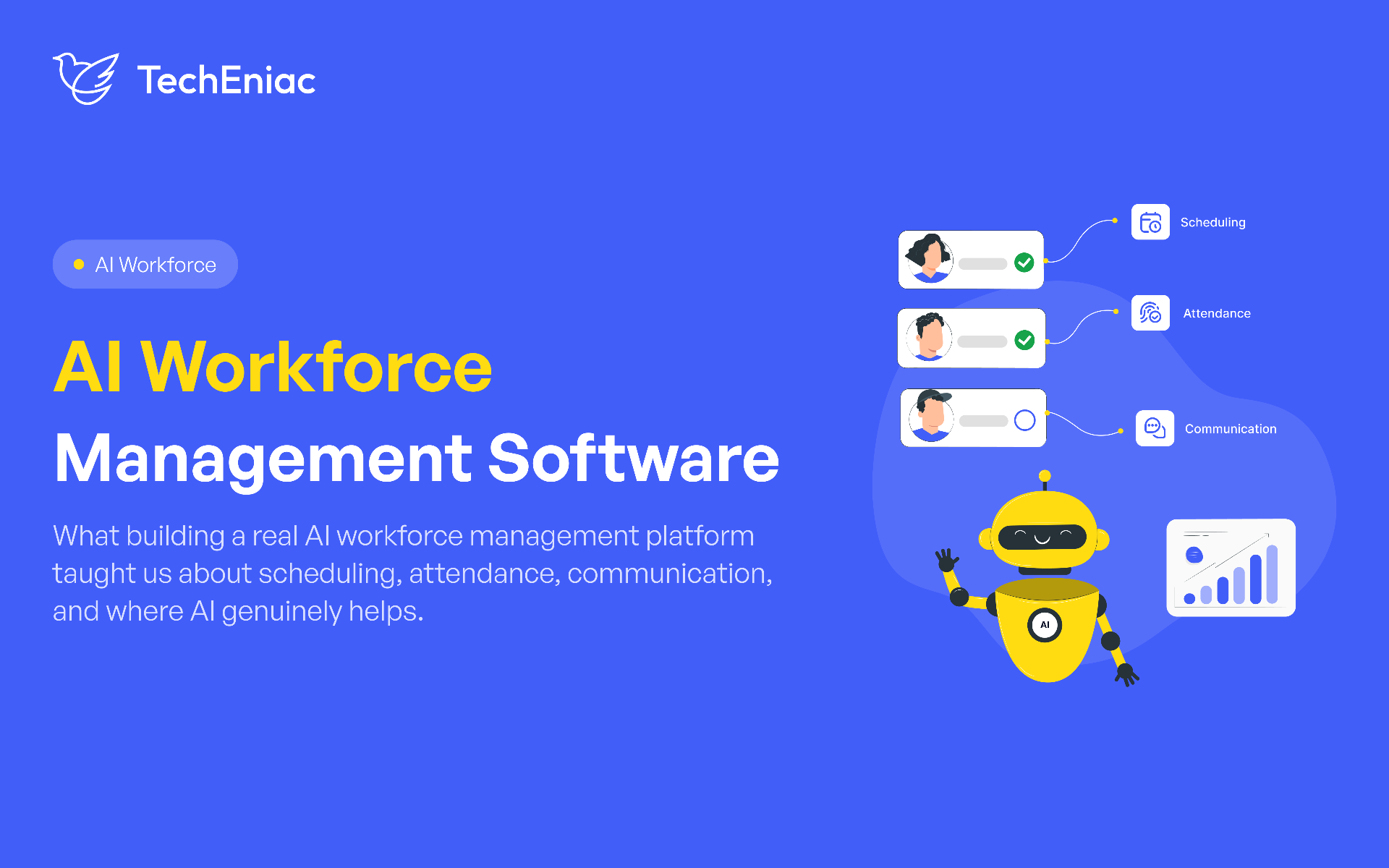
AI workforce management software coordinates scheduling, attendance, and communication for field teams. AI handles narrow jobs such as voice transcription and translation, while plain data design handles headcounts, confirmations, and location checks. Four design choices carry the result: day level headcounts, confirmed attendance, location verified check ins, and the right channel for each message.
Key Takeaways
Day level headcounts: Modelling each working day as its own requirement shows staffing gaps that a single job total hides.
Confirmed attendance: Treating "accepted" and "confirmed" as separate states gives the operations team time to replace a worker before the shift starts.
Channel matched to urgency: Routine updates go out by notification and email, and urgent changes add a phone call, so time sensitive messages reach the crew.
Location verified check ins: A server-side check of the worker's GPS position against the job site turns a timestamp into an attendance record.
AI in workforce management: AI does narrow jobs such as voice transcription and translation, while scheduling logic stays rule based.
Field workforce operations run well when four things hold. Crew sizes match each day's need, accepted jobs turn into confirmed workers, urgent changes reach the whole crew, and attendance records can be verified. The sections below define AI workforce management software and show the design decisions that deliver each outcome on a production platform. They also explain where AI fits, then close with architecture, cost, timeline, and answers to common questions.
What Is AI Workforce Management Software?
AI workforce management software is an HR tech AI platform that coordinates scheduling, attendance, and communication across a workforce. It uses AI for the tasks that benefit from it, such as voice transcription and translation. The rest of the system runs on conventional rules and data models.
A simple test separates the two: remove the AI and see what stops working. If the product behaves the same, the AI was decoration. Voice transcription and translation are the AI features in the platform examined below, and similar features come from AI development services layered onto an existing product.
Five Design Decisions Behind a Production Workforce Platform
The decisions below come from a workforce management platform built for Silverback Production, a New Jersey company that coordinates stagehands, riggers, and other event crews. Each decision names the problem it solves, how it works, and what it changes for the business.
1. Day Level Headcount Scheduling: Plan Staffing for Each Day
Each working day needs its own headcount requirement. A multi day job rarely needs the same crew on each day, so a single total hides gaps.
In the Silverback platform, each working day is its own record with a date, a start and end time, and an optional headcount override. Fill status is calculated per day and rolls up into four figures: total required man days, positions filled, surplus, and positions open. A job counts as full only when each day meets its own requirement.
Consider a four-day event that needs 25 workers on the load-in day and 8 workers on each of the three show days. If 12 workers are assigned to every day, a single headcount makes the job look fully staffed. But the day-by-day view reveals the real problem: the load-in day is short by 13 workers, while the show days have 4 extra workers each, creating 12 surplus worker-days in total. With this visibility, the coordinator can move workers to the day that needs them or arrange additional hires before the event, instead of discovering a staffing shortage at the last minute while paying for unnecessary capacity on other days.
2. Shift Confirmation Workflow: Separate Accepted from Confirmed Workers
An accepted job and a confirmed worker are two different states, and an automated chain connects them. A reminder goes out two weeks before the job. On the morning of the shift, a confirmation request goes to accepted but unconfirmed workers across in app messages, push, email, and text.
Workers who have not confirmed stay visibly unconfirmed on the admin roster. The business impact is lead time: the operations team sees the gap and can replace the worker before the shift starts, not on site.
3. Multi Channel Worker Communication: Match the Channel to the Urgency
Field workers differ in data plans, email habits, and availability, so a single channel misses some of them. The platform sends one-way announcements to a defined audience, such as a project, site leads, or an event's workers, across email, text, push, automated voice call, and voicemail. Urgent updates include a phone call, and routine updates stay on notification and email.
Voicemail replies are recorded and transcribed, so an admin reads the reply in seconds instead of listening to audio. Connecting voice transcription to an existing communication workflow is the kind of work covered under AI integration and automation. A separate two-way group chat serves each job's confirmed crew and supervisors, and a delivery status report shows how each broadcast landed.
4. GPS Attendance Tracking: Verify Check Ins Against the Job Site
A timestamp alone does not show where a worker was. The worker's app captures a GPS position, and the server calculates the distance to the job site and compares it with a fixed radius. The server makes the check, so the result does not depend on what the app reports.
Check in, break start, break end, and check out are separate timestamped events tied to a specific shift. Workers can submit a correction request for a missed check in, and the request goes to an admin review queue. The back office gets attendance records it can check against the site, and real misses stay on record.
5. Admin Dashboard and Worker App: Build Separate Interfaces
Coordinators and field workers do different jobs, so each group gets its own interface on the same backend and data. The admin dashboard is a desktop tool with filterable candidate lists, bulk hiring actions, a work calendar across clients and events, and delivery reports for each broadcast.
The worker portal is mobile first. It installs as a home screen app, shows a simplified job feed, sends push notifications, and includes a button for turn-by-turn directions to the worksite. Coordinators plan faster with dense tools, workers see only what applies to them, and both groups read the same data.
Scheduling Automation AI: Where AI Adds Value and Where Plain Software Is Enough
Scheduling automation AI adds value in the voice and language parts of workforce management, and conventional software handles the scheduling logic. The table sorts the features discussed so far.
Feature | Type | How it works |
|---|---|---|
Voicemail replies to transcription | AI | Google Cloud speech recognition turns audio into text that an admin can scan |
Translation for multilingual crews | AI | Google Cloud Translate is part of the platform stack |
Day level headcount and fill status | Conventional | Date based records and arithmetic |
Confirmation reminders | Conventional | Scheduled rules triggered by worker status |
Location check | Conventional | Server-side distance calculation against a fixed radius |
Shift assignment | Conventional | Rules and data models |
A natural next step is pattern detection on confirmation and attendance data, such as which shifts collect the highest number of unconfirmed workers, so an admin gets an early warning. In each case a person reads the result and acts on it.
Deciding which category a feature belongs to before building it saves budget, and it is a core part of AI SaaS product development.
Architecture Decisions That Matter in Production
Four architecture decisions determine whether an HR tech AI platform holds up under concurrent field use, and each one protects the data that each AI feature reads from.
Shifts that cross midnight: Each working day carries an explicit flag showing whether the shift ends on the next calendar day, and the nightly status rollover reads that flag. Overnight crews appear on the right day, and the platform supports shifts of 24 hours or more.
Atomic multi step writes: A sequence such as banning a worker from future jobs runs as one transaction, so it commits fully or not at all. Before an admin confirms a ban, the system lists the upcoming jobs and days that will lose the worker, so an irreversible action is taken with full information.
Refresh token reuse detection: Each refresh request is checked against the token stored for that user. A valid token that does not match the stored one signals that a rotation already happened, so the system clears the stored token and requires a new sign in. A stolen token stays useful for a much shorter time.
Separate admin and worker sessions: The two portals use separate authentication settings, cookie names, and session tokens. Staff can keep both sessions open in one browser, and signing in to one portal does not affect the other.
How Much Does It Cost to Build a Workforce Management App?
The cost to build a workforce app starts at $15,000 to $70,000 for a focused scheduling and attendance MVP. A platform with separate admin and worker interfaces, multi-channel communication, and location verified attendance typically costs $100,000 to $500,000 or more. These are TechEniac's ranges for AI SaaS builds, and the final figure depends on scope.
Scope | What it covers | Typical range | Typical timeline |
|---|---|---|---|
Focused MVP | Day level scheduling, one confirmation workflow, basic attendance, one worker interface | $15,000 to $70,000 | 8 to 12 weeks |
Full platform | Two interfaces, multi-channel communication, location verified attendance, multi-level hierarchy | $100,000 to $500,000 or more | 4 to 9 months for the first version |
Six factors move a project within or between these ranges:
Interfaces: Each dedicated experience, such as an admin dashboard and a worker app, adds design and build effort.
Channels: Each channel, such as text, push, email, or voice calls, adds a provider integration and testing.
Hierarchy depth: A structure such as Client, Event, Project, and Job Post needs more data models than a flat job list.
Attendance rules: Location checks, break tracking, and correction workflows add logic and review screens.
Integrations: Connections to existing HR, payroll, or calendar tools add scope.
Languages: Multilingual crews add translation and interface work.
The AI layer is a smaller part of the budget in this build. Voice transcription and translation run on cloud speech and translation services, so the larger share of the effort goes into interfaces and channels. Teams that want a firm number for their own workforce can scope it through AI consulting services before committing to a build.
How Long Does Workforce Management Software Development Take?
Workforce management software development for a focused MVP typically takes 8 to 12 weeks to reach production. A full platform takes 4 to 9 months for its first production version and keeps evolving afterwards.
A typical MVP includes:
Scheduling: Day level headcounts with per day fill status.
Confirmation: One automated reminder and confirmation flow.
Attendance: Check in and check out with a location check.
Interfaces: A basic admin dashboard and a mobile first worker app.
Communication: One or two channels, usually push and email.
Timeline moves with the number of interfaces and channels, the depth of the data hierarchy, shift rules such as overnight work, and integrations with existing tools. It also depends on how quickly the client reviews each build. A platform in daily use also keeps changing as operations change. The Silverback platform has been in continuous development for more than a year, adding features and workflow improvements as the business evolves.
How TechEniac Builds AI Workforce Management Software
TechEniac built and continues to develop the Silverback platform. It includes two dedicated portals for admins and workers and a four-level Client, Event, Project, and Job Post hierarchy. It also has more than 50 core data models and scheduling that supports shifts of 24 hours or more. Teams whose workforce platform is past its first version and facing growth in workers and data can look at SaaS product engineering and scaling.