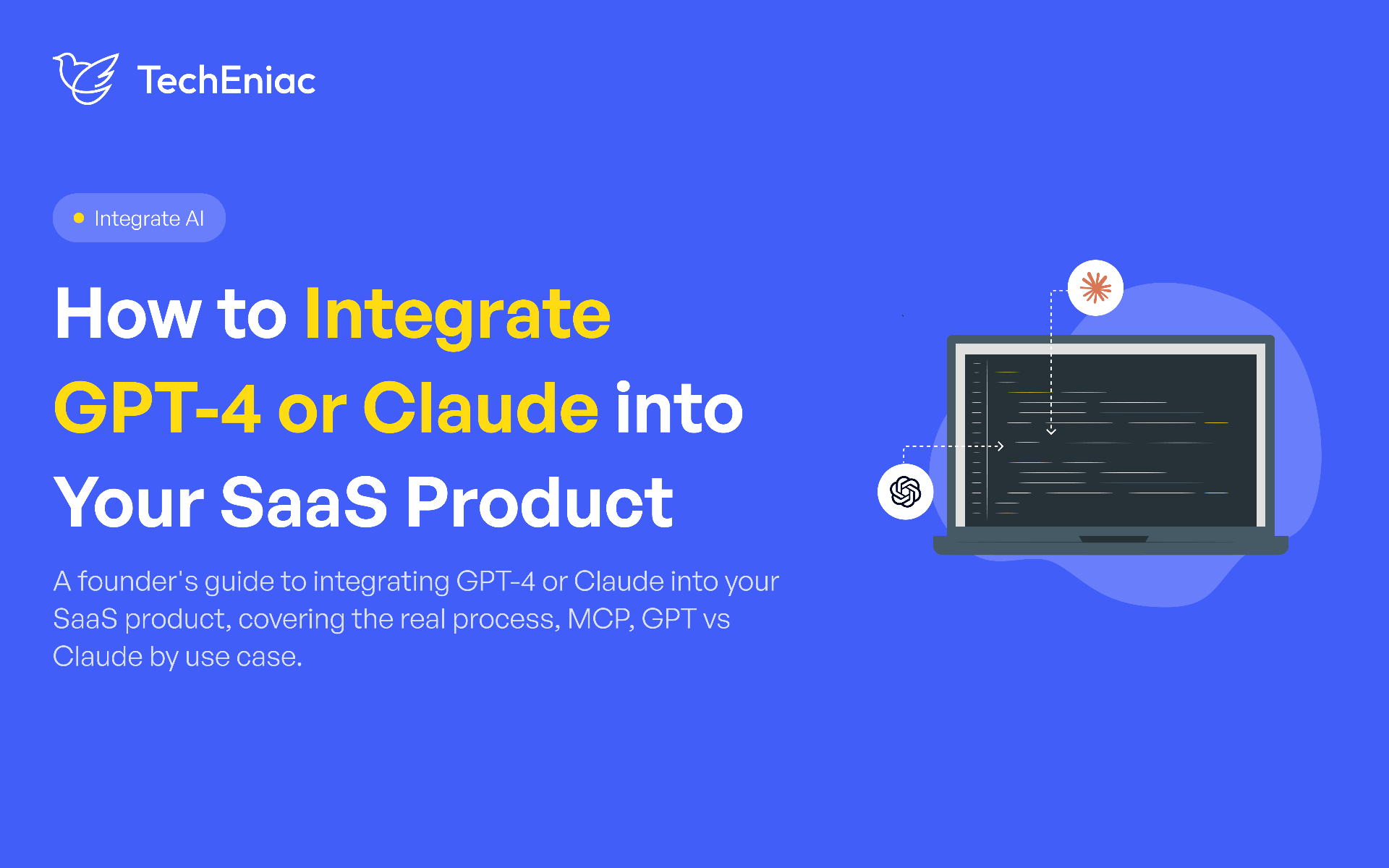
A founder adds an AI chat widget to their SaaS product because a competitor just launched one, and three months later nobody on the team can explain what problem it solves. That's the most common way LLM integration goes wrong, not the technical part, the decision to add AI before deciding what it's for. Integrating GPT-4 or Claude into a SaaS product is genuinely straightforward once you know the process. Deciding whether, where, and why to add it is the part that determines whether it helps your product or just adds a feature nobody uses.
Key Takeaways
Start with the use case, not the model. Customer support, internal search, and market specific assistance each call for a different integration approach.
The core integration process is the same everywhere: purchase API access, connect it to your product, then shape its behaviour with a system prompt and, where needed, retrieval augmented generation.
MCP, the Model Context Protocol, is quickly becoming the standard way an LLM connects to your product's tools and data, instead of every integration being built from scratch.
GPT-4 and Claude aren't simply better or worse than each other. They process context differently, and the right choice depends on what your specific use case needs from that context.
You don't automatically need a developer. If AI coding tools like Claude Code can build the integration and you can genuinely validate the output, you may not need one. If you can't verify the result is correct, you do.
Why Should You Add GPT-4 or Claude to Your SaaS Product?
Integrating GPT-4 into a SaaS product goes best when the work starts with a specific problem for the AI to solve, with the model and the API calls coming second. The sections below follow that order: the use case first, then the integration process, MCP, and how to choose between GPT-4 and Claude.
Adding GPT-4 or Claude to your SaaS product boosts user engagement, automates complex workflows, and provides intelligent, human like assistance.
Customer support is the most common starting point, and for good reason. Support questions are repetitive, the answers usually live in your existing documentation, and a well-grounded AI assistant, built through AI chatbot development, can resolve a real share of tickets without a human touching them. This is also the use case with the clearest way to measure success: ticket deflection rate, response time, and customer satisfaction all give you a number to check the integration against.
Better product usage is the second common driver, an AI layer that helps users find the feature they need inside a complex product, rather than getting lost in a menu structure built for power users. This works best in products with real depth, where new users routinely miss capability that already exists.
Market specific assistance matters when your product serves a specialized audience, healthcare providers, legal teams, financial advisors, where generic AI responses create real risk. In these cases, the integration usually needs retrieval grounded in your specific domain content, which is what RAG pipeline development builds, not just a general-purpose chat window.
The right moment to add an LLM comes when you can name the specific workflow it improves and the number you'd expect to move. If that is still taking shape, an AI Consulting Services conversation can pin it down before any engineering time is committed.
Process to Integrate GPT-4 or Claude into SaaS Product
Once the use case is clear, integrating GPT-4 or Claude takes three steps, in the same order whichever model you choose.
Step 1: Purchase API Access
Both OpenAI and Anthropic sell usage-based API access, separate from their consumer chat products. Create a developer account, generate an API key, and set up billing. This step is a business decision as much as a technical one, because usage costs grow with how often your product calls the model.
Step 2: Integrate the API Into Your Product
Your backend sends the user's input to the model's API and receives a response, the same pattern as any other third-party API your product already calls. For a team with backend experience, this is usually the fastest step.
Step 3: Shape the Model's Behaviour with Prompting
Most of the real work happens here, and it builds in two layers:
System prompt (base layer): Instructions that define the AI's role, tone, and boundaries before it sees a user's question.
Retrieval augmented generation (upper layer): Commonly called RAG, it pulls relevant information from your documents or database and feeds it into the model's context before it answers.
What Is MCP and Why It Matters for LLM Integration
MCP, the Model Context Protocol, is an open standard that gives an LLM a consistent way to connect to your product's tools and data, instead of every integration being built as a one off connection. According to Anthropic, which introduced the protocol in November 2024, it replaces the fragmented, custom built connections once needed for each new data source or tool with a single shared standard, something like a universal port that any compatible AI system can plug into.
MCP endpoints, sometimes called plugins, are how your product exposes specific capabilities, such as looking up an order, checking inventory, or pulling a customer record, for a model to call directly. The program that hosts these endpoints is called an MCP server. The official MCP documentation names both Claude and ChatGPT among the AI assistants that support it, which means a server built once can work with either model. Four practical reasons make this worth a founder's attention:
Reusable MCP Endpoints: Build Each Action Once
You expose each action through one MCP compatible endpoint instead of writing custom logic for every integration, and any compatible model can then use it.
Predictable LLM Tool Calls
The model calls your endpoint in a defined way, so the same request produces a consistent, checkable result.
Faster Integration of New Tools and Data Sources
Each new tool or data source plugs into the same standard, so adding capability takes less engineering than a fresh custom connection. Setting up that shared connection layer is part of LLM integration and development work.
From Answering Questions to Acting Inside Your Product
MCP is what lets AI move from talking about your product to doing something inside it, like checking inventory or pulling a customer record. Multi step work of this kind is where AI agent development comes in, with agents calling your MCP endpoints and handing off to a person at defined checkpoints.
Claude API Integration vs GPT-4: Which One Fits Your Product
The right comparison isn't which model is smarter in general. It's how each one processes context, since that's what determines fit for a specific use case.
Claude has generally been built around sustained, careful reasoning over large amounts of context, handling long documents, multi-step instructions, and extended conversations without losing track of earlier details. This makes Claude API integration a strong fit for use cases involving large documents, compliance heavy industries, or conversations that need to stay coherent over many turns, a support conversation that spans several messages, or a RAG system pulling from lengthy source documents.
GPT-4 has generally been built around fast, broad general reasoning and strong performance on structured tasks and tool use, often with a wider range of pretrained general knowledge readily available without needing retrieval. This tends to make it a strong fit for products where responses need to be fast, cover a wide range of general topics, or integrate tightly with a broader ecosystem of existing tools and plugins.
Each model fits a different kind of use case. A customer support tool answering short, common questions may barely notice the difference. A legal document review feature processing fifty-page contracts will notice it immediately. The practical approach is to match the model's context handling strength to what your use case demands, and let that, rather than the newest or most talked about model, drive the choice. If you are weighing the two for a specific build, an AI Consulting Services conversation can match the model to your use case before any engineering time is committed.
How to Add AI Chat to Your App Without Overbuilding
The most common mistake in this process is building more than the use case needs. A support assistant answering questions from your existing help docs needs a solid system prompt and a retrieval layer pointed at that documentation, not a custom trained model or a five-agent orchestration system. Start with the simplest architecture that meets your accuracy requirement, then add complexity only when real usage data shows you need it.
This also applies to how visible the AI should be. Not every integration needs a chat window. Sometimes the better product decision is AI working quietly in the background, summarizing a support ticket before a human picks it up, or drafting a first response a support agent reviews and sends, rather than putting the model directly in front of the end user at all.
Do You Need a Developer to Integrate an LLM API?
You can build the integration yourself if you can verify that it works. Tools like Claude Code and Codex can now write the API connection, draft the system prompt, and wire up a basic retrieval layer in an afternoon. The deciding question is whether you can check their work.
Picture asking Claude Code for a support assistant. An hour later, a chat widget is answering questions. The real test starts after that: does it handle a failed API call gracefully, pull answers from the right help article, and keep customer data out of the logs?
Run this quick check before you decide:
Can you read the code? You can follow how requests, errors, and API keys are handled.
Can you test it on real cases? You have real customer questions with known correct answers, including the awkward ones.
Can you spot a security gap? API keys stay on the server, customer data is not logged without need, and one customer can never see another's data.
Your answers | What to do |
|---|---|
Yes, to all three | Build it with AI coding tools and review every change before it ships |
A no on any of them | Bring in a developer to review, test, and sign off, even if AI writes the first draft |
AI can write the first draft in minutes. Working and correct are two different finish lines, and only one of them shows up in a demo. Verification is the part worth paying a person for.
How TechEniac Approaches LLM Integration for Founders
We start every LLM integration with the same question: what specific problem this is solving, and how will you know if it worked. That question shapes whether the right answer is a system prompt, a full retrieval pipeline, or something simpler than either.
For founders adding a support assistant or product help feature grounded in existing documentation, AI Chatbot Development covers the conversational layer specifically. When the integration needs to pull answers from a large body of proprietary content rather than general model knowledge, RAG Pipeline Development is where that retrieval architecture gets built. For broader integration work connecting GPT-4, Claude, or another model into your existing backend and workflows, LLM Integration & Development covers the full connection, from API setup through prompt design. And if the goal is generating content or documents inside your product rather than answering questions, Generative AI Development is the closer fit.