Quick Summary
Can you scale an AI SaaS product without rebuilding it?
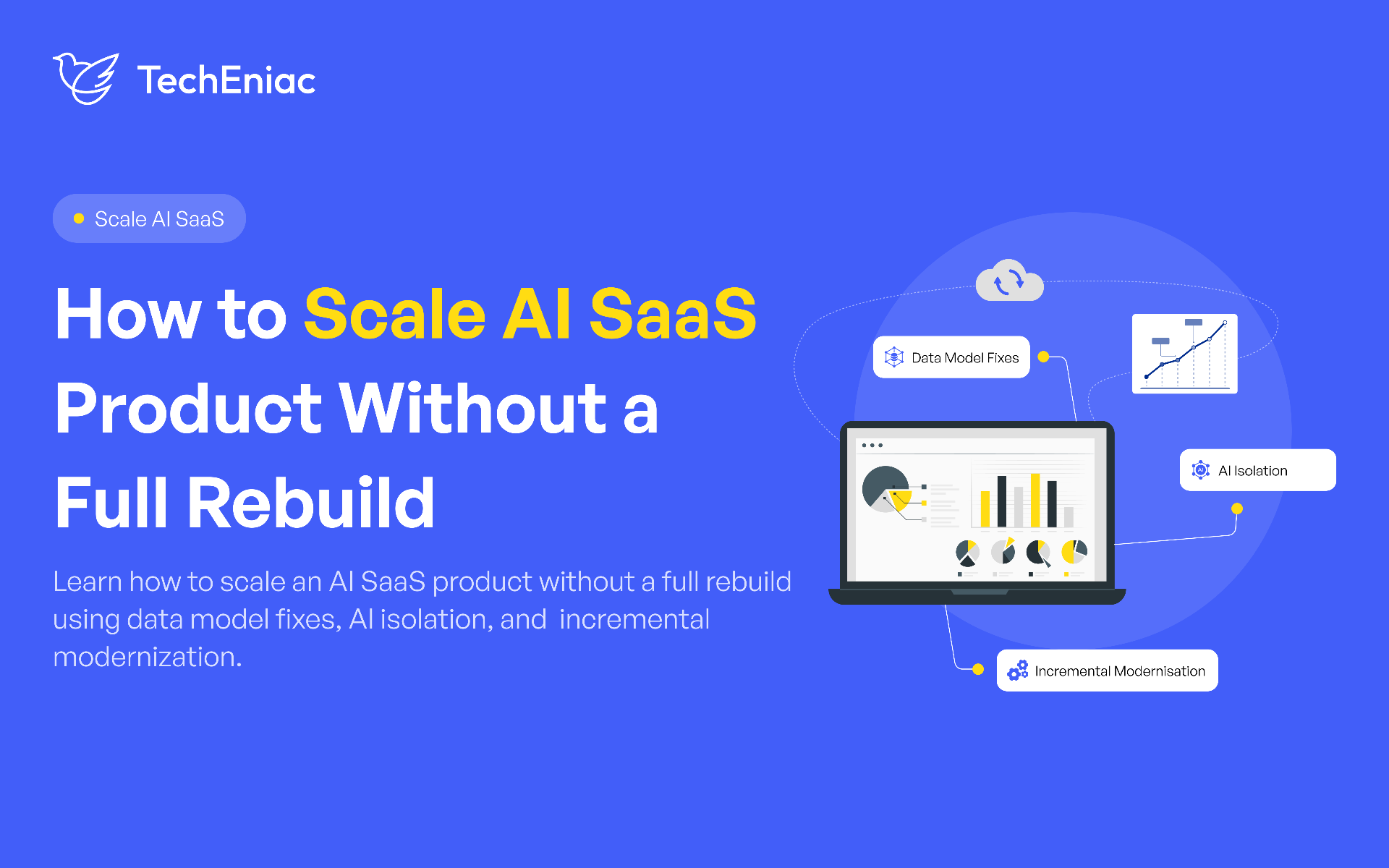
Yes. Many AI SaaS products can be scaled step by step if the core architecture is still flexible. Start by finding the real bottleneck, such as database design, AI workloads, infrastructure, or application logic. Then modernize those parts one at a time instead of replacing the entire system.
Key Takeaways
Rebuilds are rarely caused by traffic. A data model that stopped matching reality is the usual cause.
Keep AI in its own layer. Deterministic logic should never depend on a model call.
Modernize one slice at a time, with parallel running and a rollback ready.
AI cost grows with usage, so routing, caching and limits belong in the architecture.
Rearchitect only when targeted fixes keep failing against the same structural limit.
What Does It Mean to Scale an AI SaaS Product?
Scaling an AI SaaS product means keeping speed, reliability and margins healthy while users, data and AI usage grow, and while your team keeps shipping. A product that handles ten times the traffic but loses money on every AI request has not scaled, and neither has one where every release takes a month.
Most advice on this topic stays abstract. This guide draws on a production platform we built and kept extending for more than a year after launch; a workforce management system for Silverback Production, coordinating stagehands and riggers across multi day event builds. It grew in scope, channels and users without a rewrite. Below, we first show how to tell whether your product is in trouble, then walk through the three fixes in order; the data model, the AI layer and slice by slice modernization.
Why AI SaaS Products Hit Limits Earlier Than Regular SaaS
A normal SaaS request reads a database and answers in milliseconds. An AI request may call a large model, wait seconds and cost real money each time. Latency becomes variable, a few heavy users can swallow a large share of your bill and an outside provider's outage becomes your outage. Quality can also degrade silently, because a weakening model rarely throws an error.
If you are still shaping foundations, our guide to AI SaaS product architecture covers the building blocks in detail.
Warning Signs Your Architecture Is Struggling
These signs rarely arrive as a dramatic outage. They creep in:
Response times rise even though traffic has not doubled.
Cloud or model spend grows faster than revenue.
One slow feature drags down unrelated screens.
Releases feel risky, so the team avoids shipping.
Simple features take weeks because every change touches many modules.
Three or more of these deserve investigation. One or two usually mean a fixable issue, not a crisis.
When to Rearchitect a SaaS Product (and When Not To)
The test for when to rearchitect a SaaS product is simple: can the problem be solved inside the current structure, or is the structure the problem? Slow queries, an oversized model on every request or one background job hogging servers are tuning problems. Tuning is cheap.
A rearchitecture becomes reasonable when the data model cannot isolate tenants, when nothing can be changed or scaled alone, or when every fix collides with the same design limit. Even then, replacing a system in slices beats a big bang rewrite.
At What User Count Does Architecture Usually Break?
No honest answer is a single number. Breaking points depend on usage patterns, data volume and AI intensity. As a rough pattern, problems under a few hundred users are usually code or database issues. Between a few hundred and a few thousand users, synchronous AI calls and shared resources start to hurt. Past several thousand, queues, caching, tenant isolation and cost control become mandatory. Heavy AI use per customer can strain a product at a tenth of the usual volume, so watch p95 latency, error rates and cost per active user instead of a headline user count.
If those numbers are drifting, the cause is most often the first of our three fixes: the data model.
Fix Your Data Model to Scale an AI SaaS Product Without a Rewrite
Short answer: the data model decides whether a product can scale without a rebuild. Caching and more servers handle traffic. A data model that matches how customers really work keeps growing with them, while one that does not cannot be patched, and that is usually when teams start talking about a rewrite.
Why a Weak Data Model Forces a Rebuild
Every feature sits on top of the structures that store the data. When those structures describe the business too simply, each new feature needs a workaround. Workarounds add up until a change in one place can break another. The product still runs, but each release gets slower and riskier, and that slowdown is what pushes founders toward a rebuild.
Real Example: One Headcount Per Job Versus One Row Per Day
On the Silverback Production platform, a multi-day event build rarely needs the same crew every day. A festival might need 25 people on load in day, when equipment is brought in and set up, and 8 on each show day.
The gap: The first design stored one headcount per job. A job looked fully staffed on paper while one critical day was dangerously short and another had surplus workers.
The change: Every working day became its own record, with its own date, start and end time, and headcount. Fill status is calculated per day and rolled up into four figures: total required, positions filled, surplus, and positions still open. A job counts as fully staffed only when every day clears its own bar.
The result: Per day reminders, shift level attendance, and day by day reporting became simple additions instead of major rework. Shifts that cross midnight are handled with an explicit flag on each working day, so the nightly rollover never has to guess.
How to Fix a Wrong Data Model Without Rebuilding
The safest method is a parallel change, where old and new structures live side by side until the switch is proven. It takes five steps.
Step 1: Add the correct structure beside the old one. New tables or fields sit next to the existing ones, so nothing current breaks.
Step 2: Write to both for a period. Every new record land in both places, which lets the team compare them and catch gaps early.
Step 3: Backfill history. Convert older records so the new structure is complete.
Step 4: Move reads over feature by feature. Switch one screen or report at a time instead of everything at once.
Step 5: Retire the old structure last. Remove it only after nothing depends on it.
How to Tell When the Data Model Is the Bottleneck
List the questions customers ask that the data cannot answer. If the team keeps exporting spreadsheets to answer them, the model is already behind the business. A focused SaaS product engineering and scaling review usually shows which assumptions will hurt first.
With the data model sorted, the next thing that forces rewrites is AI woven through the whole codebase.
Keep AI Separate from Core Logic in Your SaaS Scaling Architecture
Short answer: put every model call behind its own service and use AI only where ordinary logic cannot do the job. This one boundary lets the rest of the product keep changing safely.
Why Tangled AI Features Block Scaling
When model calls are scattered through the codebase, a slow provider slows everything, changing a model means editing dozens of files and nobody can say what a single feature costs. The product becomes hard to change and expensive to run, which is a common reason teams consider a rebuild.
Which Features Need AI and Which Do Not
Decide feature by feature. On the workforce platform, headcount tracking, fill status and shift assignment are deterministic data problems, and a language model adds nothing to them. AI earned its place in three spots: transcribing a worker's spoken voicemail reply into text an admin can scan in seconds, translating broadcasts for a crew that does not share one language and spotting patterns in confirmation and attendance data that signal a shift is likely to fall apart.
Benefits of a Separate AI Layer
Failures stay contained. A slow or failing provider degrades one feature, not the whole product.
Vendors stay swappable. Pricing and quality shift constantly, and a clean boundary lets you change models without touching core logic.
Cost becomes measurable. You can track AI spend and quality in isolation.
How to Control AI Infrastructure Costs as You Scale
Scaling AI infrastructure is mostly about discipline, because the expensive resource is model calls, not servers.
Route by difficulty. Send classification and extraction to smaller, cheaper models and keep the large model for hard tasks.
Cache repeated requests, including near repeats where accuracy allows, so you do not pay twice for the same answer.
Trim prompts. Tokens are effectively your electricity bill, so stop sending context the model does not need.
Keep an evaluation set. Rerun it whenever a prompt or model changes, so quality drift shows up in a test and not in a customer complaint.
Attach a cost to every AI feature. When you know one summary costs a fraction of a cent and another ten times more, pricing and roadmap decisions stop being guesses.
Not sure which features deserve a model? Our AI consulting services help settle that before development starts.
Once data and AI are in order, the last question is how you ship changes without breaking a live product.
Modernize Your SaaS Product in Slices Instead of Rewriting It
Short answer: build each new capability beside the old one, move traffic over gradually and keep a rollback ready. This is known as the strangler pattern, and it lets a live product evolve without a risky big bang rewrite.
How Slice by Slice Modernization Works
Pick the one component causing the most pain. Choose by customer impact, not by what looks outdated.
Build the replacement beside the existing one. Both run at the same time.
Route a small share of traffic and compare results. Real usage reveals what testing misses.
Expand gradually, with a rollback ready at every step. If something misbehaves, you switch back in minutes.
Real Example: Three Slices on a Production Platform
None of these required pausing the product, and each made the next easier to ship.
Slice One: Accepted Versus Confirmed
The gap: a worker accepting a job counted as a confirmed worker, but plans change between acceptance and the shift.
The change: a separate confirmed state with an automated chain, a reminder two weeks out and a same day morning request across several channels.
The result: unconfirmed workers stay visible on the admin roster, so the team acts days before a gap becomes an empty position on site.
Slice Two: Communication Matched to Urgency
The gap: no single channel reaches a whole field crew.
The change: routine updates go out as notification and email, while time sensitive changes such as a same day gate code add a phone call with a voicemail that transcribes the spoken reply.
The result: urgent messages reach people who are already driving.
Slice Three: Verified Attendance
The gap: a timestamp alone does not prove anyone was on site.
The change: check in, break and check out events are tied to a shift, and the server verifies GPS position against a fixed radius around the job site.
The result: the back office gets a trustworthy attendance record instead of an assumption.
Safety Foundations to Put in Place Before You Slice
Slices stay safe only when the layer underneath is trustworthy.
Atomic writes: a multi-step action, like banning a worker, either commits fully or not at all.
Token reuse detection: a refresh token that does not match the stored value triggers invalidation and reauthentication.
Separate sessions: admin and worker portals run independent configurations, so both work in one browser.
Our AI SaaS product development practice builds this foundation in from the first release.
How Much Does a Rearchitecture Typically Cost?
A rearchitecture of an AI SaaS product can cost anywhere from a diagnostic audit of up to about $15,000 to a full rebuild of a large product that runs well past $250,000, depending on how much of the system has to change.
Stage | Typical cost | What it covers |
|---|---|---|
Diagnostic audit | Up to about $15,000 | Finds the real bottleneck in the architecture, the data model, and AI usage |
Targeted refactoring | $15,000 to $80,000 | Fixes specific limits, such as a slow feature or a gap in the data model |
Phased modernization | $80,000 to $250,000 | Replaces major components one at a time over several months while the product stays live |
Full rearchitecture | Well above $250,000 | Rebuilds a large product and often takes 6 to 18 months |
Beyond the project fee, a rearchitecture also costs time and focus: new features pause, regressions can appear, and the strongest engineers spend months on the change instead of on customers. An audit comes first for that reason, because it shows which stage the product actually needs before the larger spend begins.
How Techeniac Scales AI SaaS Products
At Techeniac, our scaling work begins as a diagnosis. We review architecture, data model, infrastructure and AI usage, and study cost per customer and per feature to see where money leaks. You then receive a prioritized roadmap showing impact, effort and risk for every fix, with quick wins first and structural change only where evidence supports it.
We ship in small releases, so your product stays live, replace components in slices with parallel running and rollback plans, and put evaluation, monitoring, fallback providers and spend controls around your AI features. We document decisions and train your team, so daily operations never depend on us. Our SaaS product engineering and scaling team runs this end to end.